Offline-ready POS continuity
Keep supported in-store order and sales workflows available during temporary internet interruptions.

Manage restaurant orders, checks, payments, and kitchen display workflows alongside retail sales, inventory, reporting, and multiple locations in Napoliy POS.
Use one operational record from order entry and payment through kitchen preparation, inventory movement, and sales reporting.
Keep supported in-store order and sales workflows available during temporary internet interruptions.
Give counter and floor teams a consistent interface for order entry, checks, and sales.
Send product choices and preparation notes from the POS into the kitchen workflow without re-entering the order.
Manage shared products, menus, roles, and location reporting from one management structure.
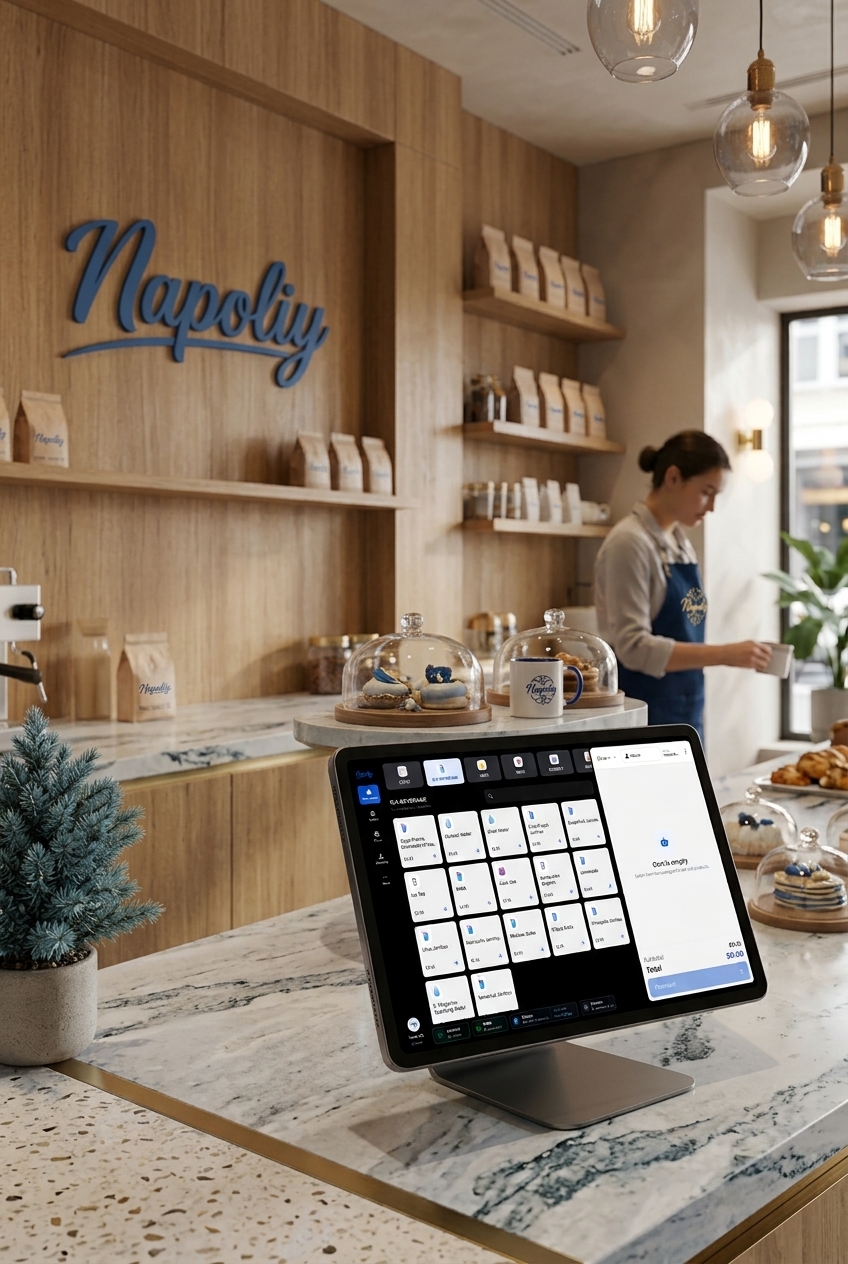
Use the same system for restaurant orders and kitchen preparation, retail sales and inventory, payments, reporting, and location management.
Record table, counter, and takeaway orders and pass product choices and preparation notes into the kitchen workflow.
Record configured payment methods, split checks, tips, refunds, and end-of-day activity in the same POS workflow.
Manage menus and products centrally and review the inventory movements created by sales.
Review sales, payment types, products, staff activity, and location results from management reports.
Route order items to the appropriate kitchen station and follow preparation status on screen.
Use shared products, menus, and roles while retaining location-level operational visibility.
Use your restaurant or retail POS with the same operational data across Android, Windows, and Apple devices.
 Android
 Windows
 Apple
AppleCombine a countertop POS terminal, mobile order terminal, and KDS display according to how orders move through your business.
Use a countertop touchscreen for order entry, check management, and configured payment workflows.
Take orders at the table or counter and keep service staff connected to the POS workflow.
Display routed order items, modifiers, and preparation notes at the appropriate kitchen station.
See how restaurant POS, retail POS, KDS, payments, inventory, reporting, and multi-location management work together in your business.